TÀI LIỆU ĐƯỢC HỖ TRỢ BỞI AI
Bạn muốn biết điều gì?
Cách sử dụng ChatGPT với Node-RED
Phần deep dive này trình bày cách sử dụng ChatGPT với Node‑RED.
Những Điều Cần Lưu Ý
All Block Outputschứa toàn bộ thông tin xuất ra khi một hình ảnh được trigger.

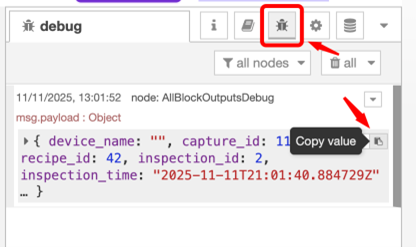
- Sao chép giá trị debug output từ
All Block Outputs.
All Block Outputs
Node này xuất dữ liệu sau mỗi lần chụp của camera và chứa toàn bộ dữ liệu của các AI block. Dữ liệu có dạng đối tượng JSON, bao gồm các trường sau:
| Payload Field | Type | Description |
|---|---|---|
payload.capture_id | integer | ID của lần chụp hiện tại |
payload.recipe_id | integer | ID của recipe hiện tại |
payload.camera_id | string | Chuỗi định danh duy nhất cho camera này |
payload.inspection_id | integer | Số nguyên 16-bit luân chuyển, tăng lên sau mỗi lần inspection |
payload.inspection_time | string | Timestamp định dạng ISO 8601 của lần chụp cho mỗi inspection |
payload.image_url | string | URL HTTP đến ảnh chụp (jpg) |
payload.alignment.success | boolean | Alignment thành công hay không |
payload.alignment.center_location_x | integer | Tọa độ x tâm của phần đã được căn chỉnh |
payload.alignment.center_location_y | integer | Tọa độ y tâm của phần đã được căn chỉnh |
payload.alignment.confidence | float (0-1) | Độ tin cậy của alignment |
ChatGPT/Gemini/Copilot
- Nhập prompt: “Here is the Input I have from Node Red : Insert the copied value here. enter prompt when you want it to fail and return msg.payload in boolean True or False”
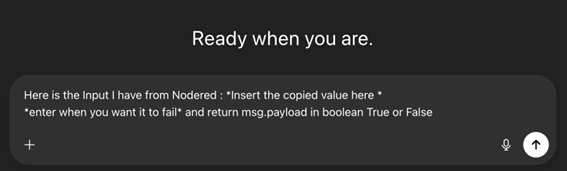
Ví Dụ
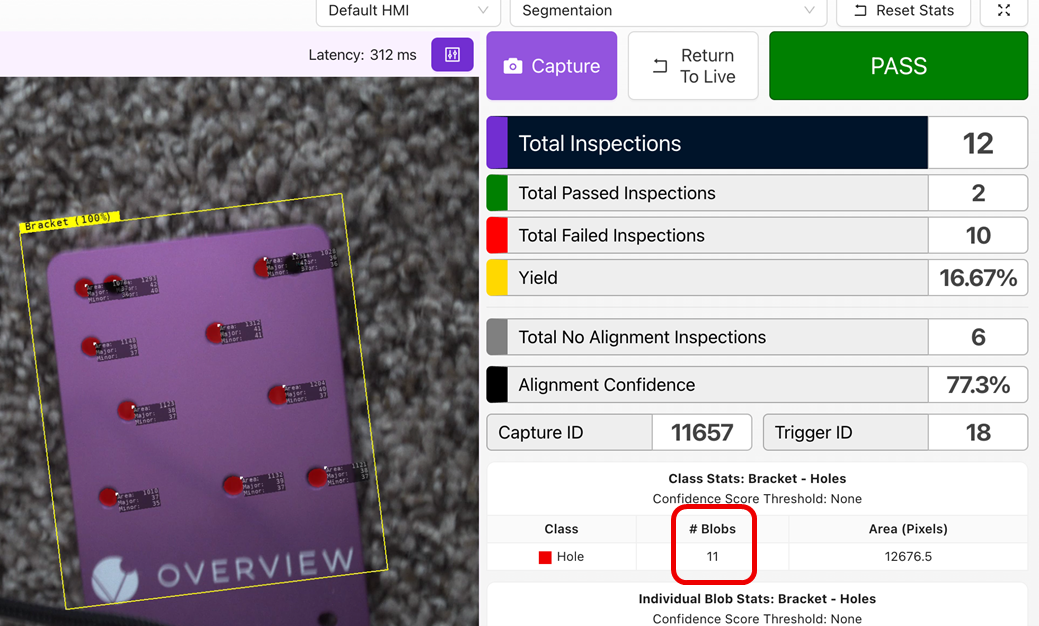
- Ở đây, chúng ta đã huấn luyện AI để phát hiện các lỗ trên tấm gắn (mounting plate).
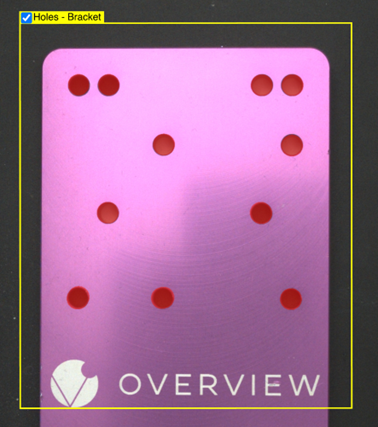
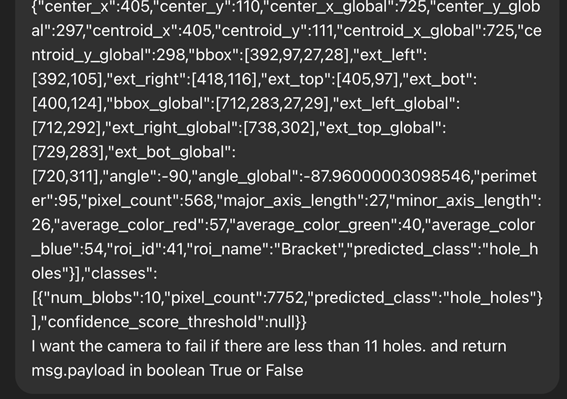
- Sao chép các giá trị từ block
debugcủa Node-RED và dán vào ChatGPT với prompt ví dụ sau.- “Here is the Input I have from Node Red : Insert the copied value here. I want the camera to fail if there are less than 11 holes and return msg.payload in boolean True or False”
- Xem xét block
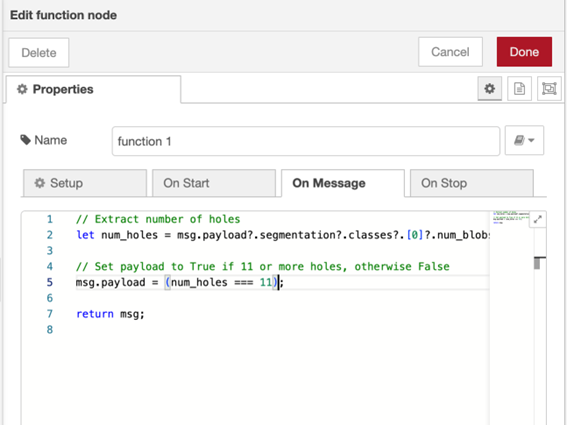
functionvà đọc các comment về logic. - Kiểm tra xem nó có thực hiện đúng yêu cầu hay không, và nếu đúng, hãy sao chép đoạn code mà nó cung cấp.
- Thêm một node
functiontừ danh sách các node và kết nối nó với blockInspection Pass/Fail.

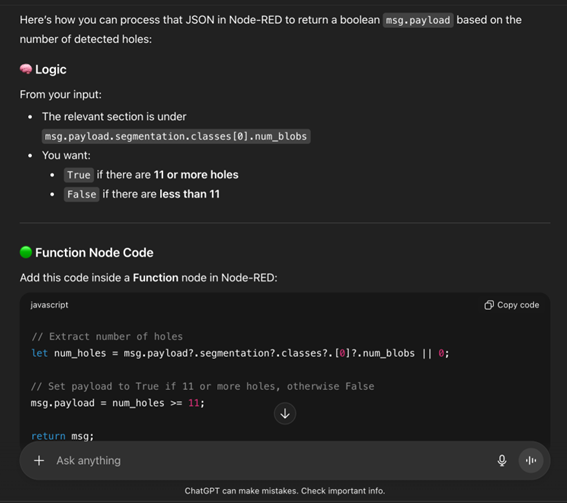
- Sao chép đoạn code vào block
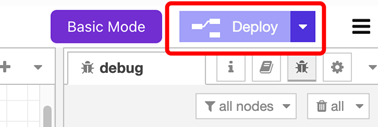
function, đảm bảo tất cả các node được kết nối đúng cách và nhấn Deploy.