AI 驅動文件
您想了解什麼?
如何在 Node-RED 中使用 ChatGPT
This deep dive demonstrates how to use ChatGPT with Node‑RED.
注意事項
All Block Outputs包含在觸發影象後輸出的所有資訊。

- 從
All Block Outputs中複製除錯輸出。
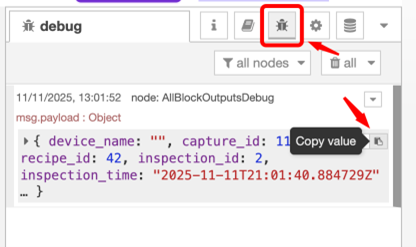
All Block Outputs
此節點在相機每次捕獲後輸出資料,幷包含所有 AI 塊資料。資料以 JSON 物件的形式呈現。資料包括以下內容:
| Payload Field | Type | Description |
|---|---|---|
payload.capture_id | integer | 此次捕獲的捕獲 ID |
payload.recipe_id | integer | 此配方的配方 ID |
payload.camera_id | string | 此相機的唯一字串識別符號 |
payload.inspection_id | integer | 每次檢查遞增的 16 位整數 |
payload.inspection_time | string | 每次檢查的捕獲的 ISO 8601 格式時間戳 |
payload.image_url | string | 捕獲影象的 HTTP URL(jpg) |
payload.alignment.success | boolean | 對齊的部件是否成功 |
payload.alignment.center_location_x | integer | 對齊部件的中心位置 x |
payload.alignment.center_location_y | integer | 對齊部件的中心位置 y |
payload.alignment.confidence | float (0-1) | 對齊的置信度 |
ChatGPT/Gemini/Copilot
- 輸入提示:“Here is the Input I have from Node Red : 在此插入複製的值。輸入您希望它失敗的提示並返回 msg.payload 為布林值 True 或 False”
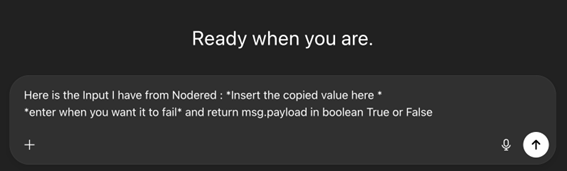
示例
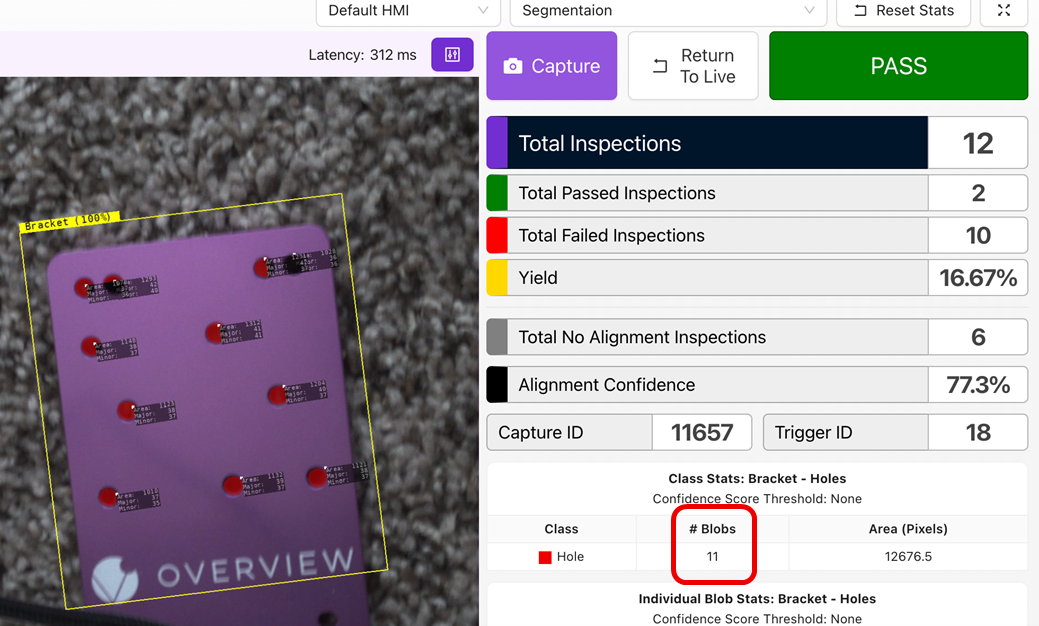
- 在這裡,我們教 AI 查詢安裝板上的孔。
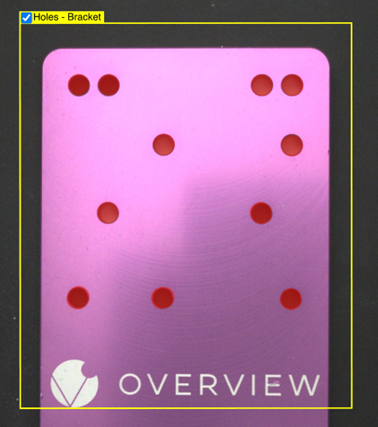
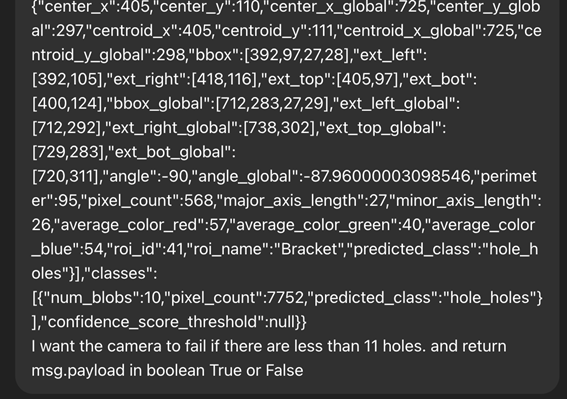
- 從 Node-RED 的
debug塊中複製值,並將其貼上到 ChatGPT 中,使用以下示例提示。- “Here is the Input I have from Node Red : 在此插入複製的值。如果孔少於 11 個,我希望相機失敗,並返回 msg.payload 為布林值 True 或 False”
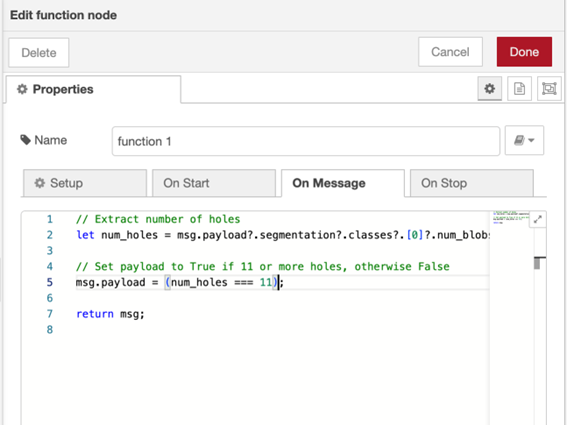
- 檢視
function塊並閱讀邏輯上的註釋。 - 檢視它是否在做正確的事情(所要求的),如果是,請複製它給你的程式碼。
- 從節點中獲取一個
function節點,並將其連線到Inspection Pass/Fail塊。

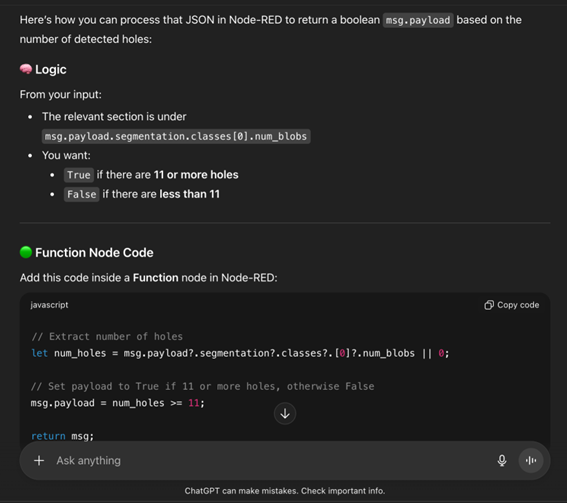
- 複製
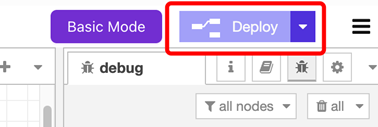
function塊中的程式碼,確保所有節點正確連線,然後點選 Deploy。