AI-POWERED DOCS
What do you want to know?
Product Activation
This guide walks you through activating your OV80i camera system. Activation registers your device with Overview and enables all features. This one-time procedure takes less than a minute to complete.
Prerequisites
Before you begin, ensure you have:
- OV80i camera powered on and connected to your network
- Access to the camera's web interface through a browser
- Your company name and company email address
Activation Steps
When you first access the camera's web interface, you will see the Product Activation page:
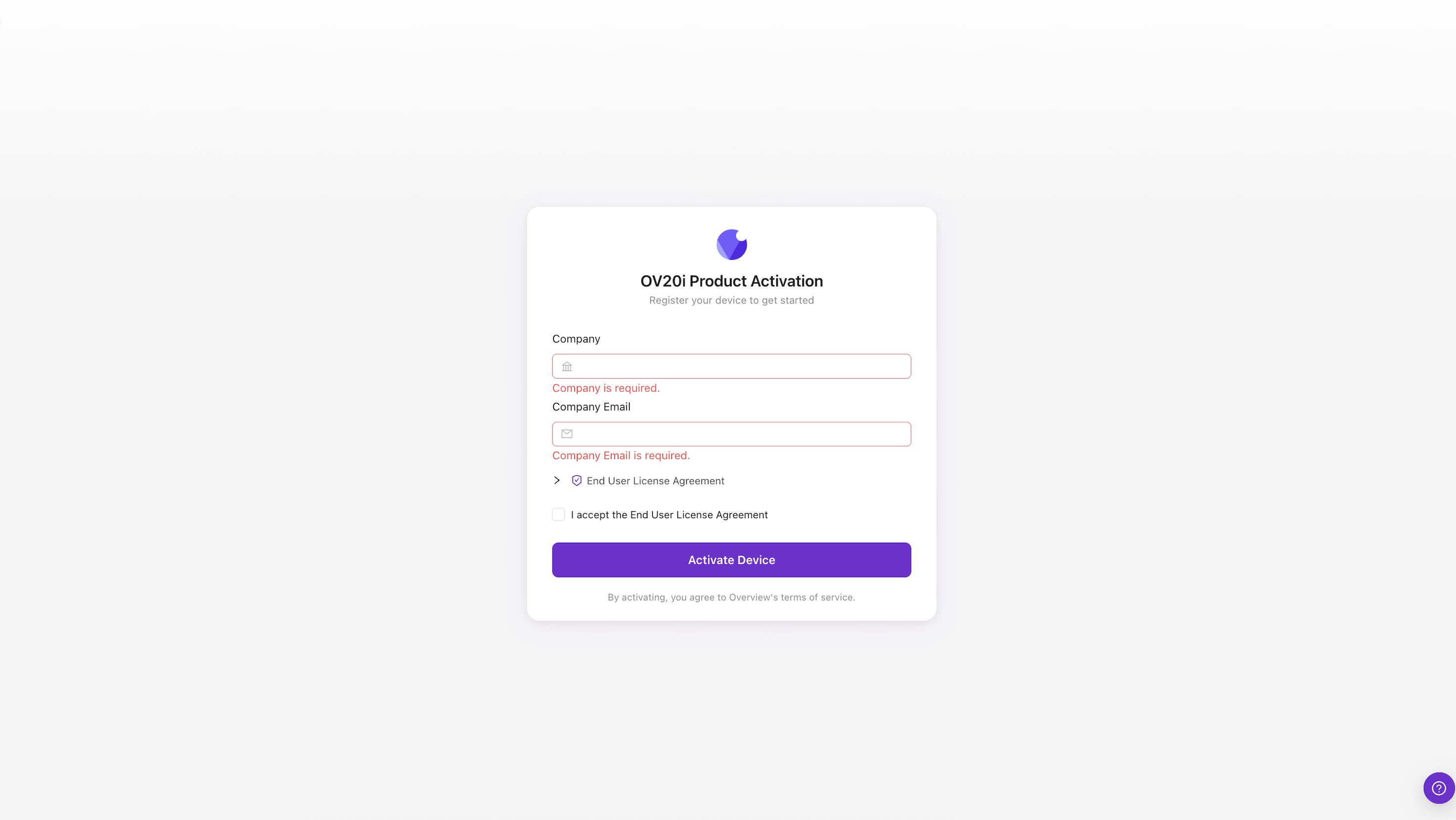
- Enter your Company name
- Enter your Company Email address
- Expand and review the End User License Agreement
- Check the box to accept the End User License Agreement
- Click Activate Device
The camera will activate and you will be redirected to the main interface.