AI 驱动文档
您想了解什么?
AI Expert Helper
解决的问题: 您在凌晨 2 点遇到问题,需要立即获得帮助。
功能描述: 由 AI 驱动的助手,了解 OV 相机系统的一切信息。可在 tools.overview.ai 全天候 24/7 使用。
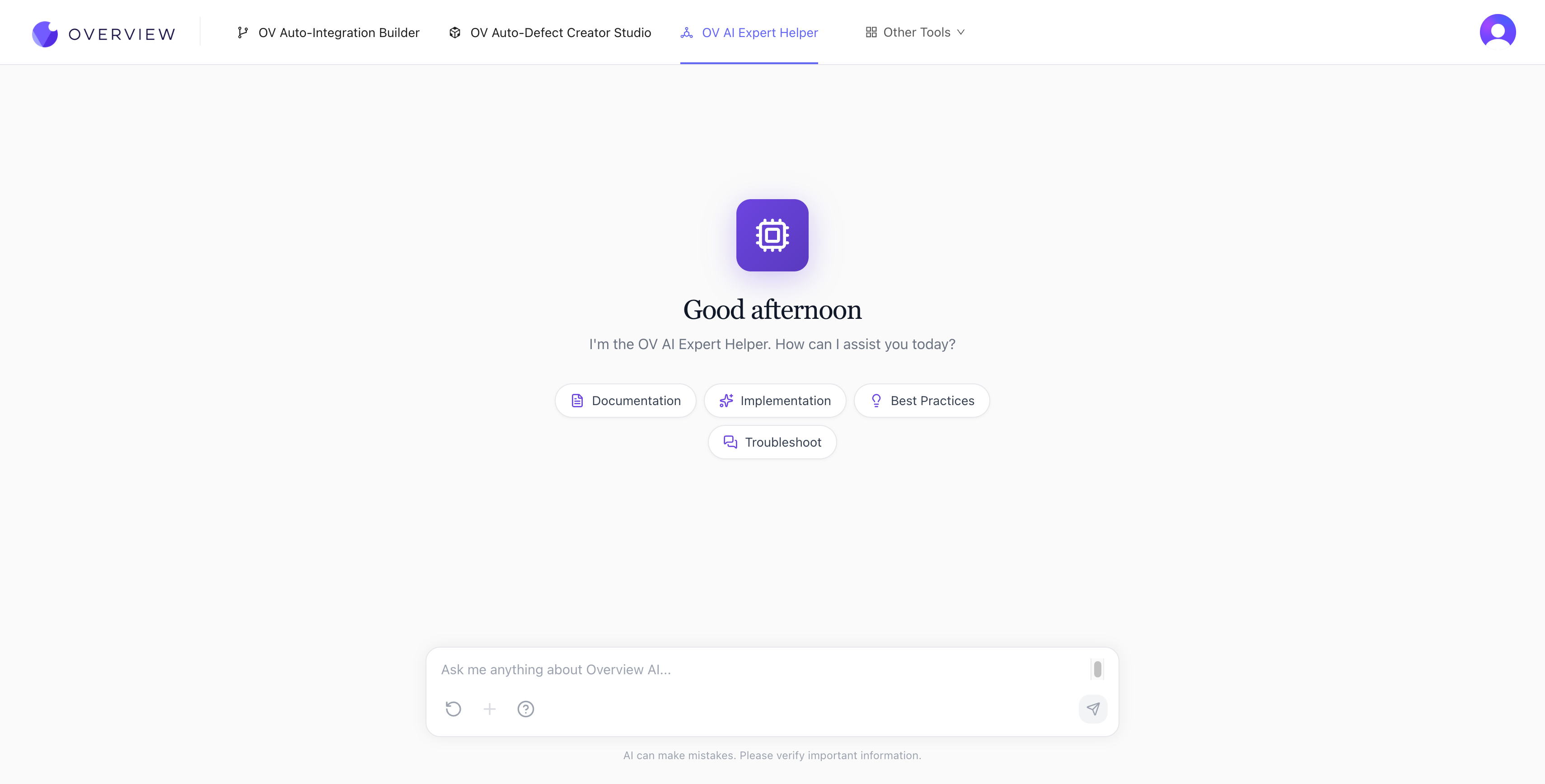
如何使用
- 打开 tools.overview.ai,然后选择 OV AI Expert Helper
- 在聊天框中输入您的问题,或点击以下某个快速入门类别:
- Documentation —— 在 OV 相机文档中查找特定信息
- Implementation —— 获取功能设置的分步指导
- Best Practices —— 获取针对您的用例的建议
- Troubleshoot —— 诊断并解决相机设置问题
- AI 将以详细的答案回应,通常包括具体步骤、设置以及相关文档的参考引用。
它所掌握的内容
AI Expert Helper 基于完整的 OV 相机文档进行训练,内容涵盖:
- 硬件安装和接线
- 网络配置与连接
- 程序创建、对齐和检查设置
- AI 模型训练与优化
- Node-RED 流设计与调试
- PLC 集成与通信协议
- 故障排除和维护流程
获得更好答案的技巧
- 要具体。"如何在 OV20i 上配置 Modbus TCP?"比"如何连接到 PLC?"能获得更好的答案。
- 直接粘贴错误信息。描述错误出现时您正在进行的操作。
- 追加提问。聊天在同一会话内保持上下文。
- 如果您要切换主题,请使用 Reset chat 按钮开始新的对话。
会话不会在不同会话之间保存
关闭页面后,AI Expert Helper 不会保留对话历史。如果您之后需要参考某个答案,请在离开前复制下来。
在工作流程中的定位: 在整个设置过程中的任何时候都可以使用 AI Expert Helper。它也在故障排除与常见问题中被引用为您的第一道支持防线。